Operating Intelligence
Practice Management Software for Accountants: 2026 Guide
The best practice management software for accountants gives a practice one dependable view of each client, each job, available capacity, review status and commercial progress. It should make ownership visible without forcing every service into the same template. It should also preserve the evidence and context another team member needs to continue the work.
Practice management is broader than workflow software. Workflow software coordinates tasks, dates and hand-offs. Practice management connects that delivery flow with client records, engagement scope, people, billing, portals, documents, integrations and retained practice context.
As of September 2026, this guide reflects the current Australian guidance cited below. Software can support a practice’s controls and records. It cannot decide which legal, professional or regulatory duties apply to a particular practice.
Which type is the best fit for an accounting practice?
The best fit is the category that solves the practice’s main control problem with the fewest duplicate records. For a small bookkeeping firm, the main need may be dependable recurring work and capacity views. Tax practices may place more weight on identity checks, engagement scope, document handling and review evidence. Multi-service firms may need broader billing and client controls.
Start with the work that causes missed dates, partner intervention or delayed invoices. Then trace one representative job from request to payment. Systemising the recurring process before selecting software helps the practice separate a genuine requirement from a familiar habit.
Buyer callout: Do not ask which option has the longest feature list. Ask which option gives the right person clear ownership, evidence and next action at each stage of one real client job.
How does this guide classify the options?
This guide uses three categories as an evaluation model, not as a universal description of the market. Vendors may span categories, and product boundaries change. The model helps a buyer compare fit without relying on labels.
Category comparison
- Full practice suite: best when: Client, work and billing records need one home; main trade-off to test: Depth of each function.
- Workflow layer: best when: Task control is the main gap; main trade-off to test: Duplicate client and billing records.
- Connected specialist stack: best when: The practice needs strong tools for separate jobs; main trade-off to test: Integration failure and ownership gaps.

Suites should connect service delivery with commercial status. Workflow layers should improve repeatable task control without pretending to manage the whole practice. A specialist stack can suit a firm with mature tool ownership and dependable data flows. This distinction also helps teams choose what to automate without automating a weak process.
What must the core practice record cover?
The core record must connect the client, agreed work, responsible people, evidence, review and billing outcome. A client record should identify the client and authorised contacts, show current engagement scope, and point to relevant communications and documents. The portal should provide a controlled path for requests and uploads.
Work records should show due dates, dependencies, current stage and exceptions. Capacity views should show who can do the work and who can review it. Billing controls should connect agreed scope, work completed, write-offs, invoices and debtor follow-up. Document controls should make the accepted version and retention position clear.
Review stages need named owners. A preparer, reviewer and approver may be different people, but the software should show where responsibility sits. Human judgement should remain visible when a matter departs from the standard path. The discussion of AI and accountants’ judgement explains why review cannot become a hidden tick.
How should evidence shape the product demonstration?
The demonstration should follow evidence from client request to final review record. Give each vendor the same bounded scenario. Use an ordinary recurring job plus one exception, such as missing authority, changed scope or an unresolved review question.
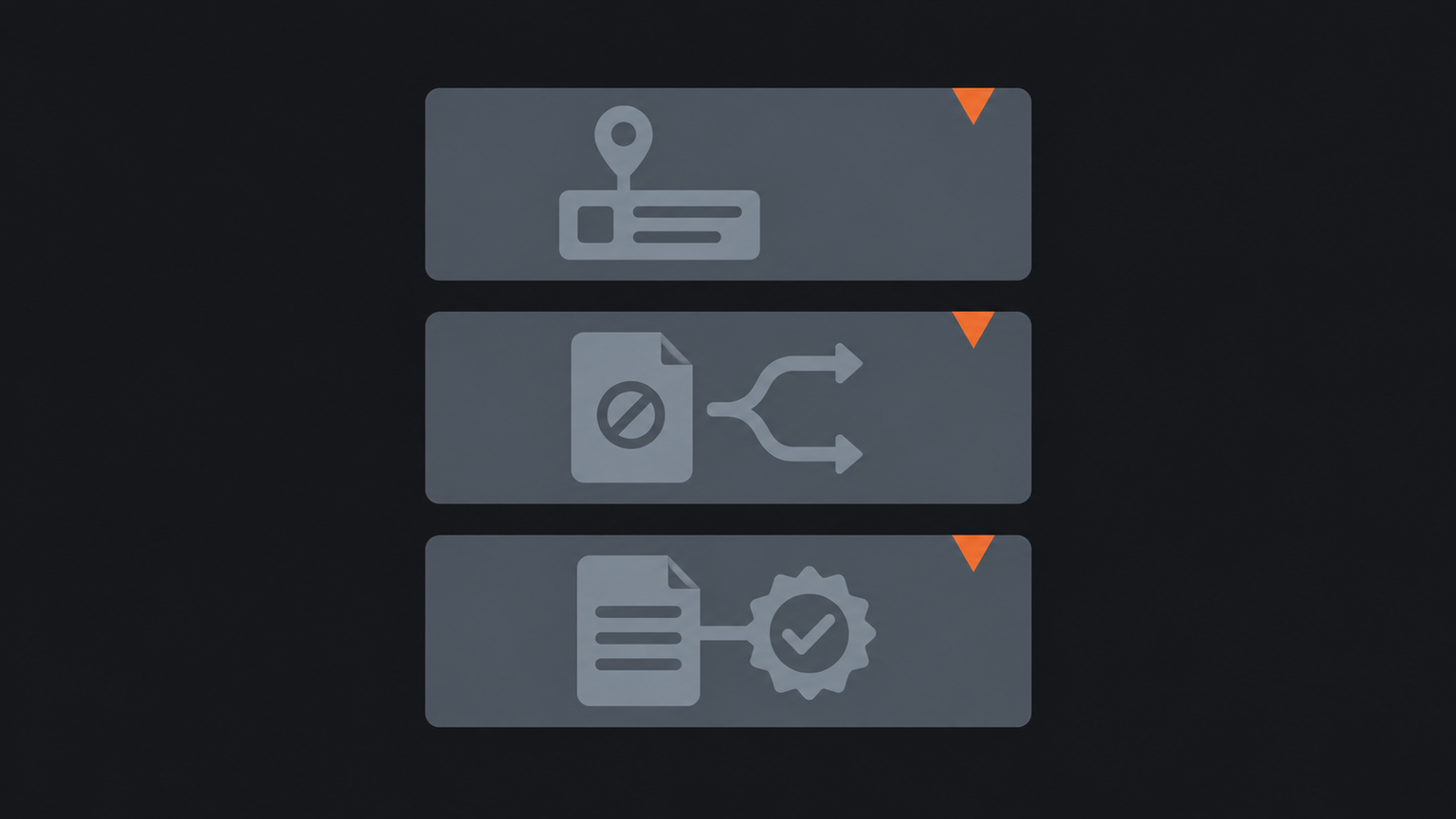
Score only three things: whether the record is complete, whether ownership is visible, and whether an exception reaches the right reviewer. Ask the vendor to show what happens when an integration fails, a staff member is absent or a client uploads the wrong file. A polished standard path proves little about daily control.
The Tax Practitioners Board says tax practitioners must undertake proof-of-identity checks before providing tax agent or BAS services to new clients and as appropriate for existing clients. It also says practitioners should maintain a contemporaneous record of those checks, while not requiring copies of identity documents. APES 305 requires members in public practice to document and communicate engagement terms. These points support testing checklists, authority, engagement records and secure client exchanges. They do not make the software itself compliant.
How do integrations and retained context reduce exit risk?
Integrations and retained context reduce exit risk when another authorised person can reconstruct the work without relying on private memory. Test which application owns each client field, job status, document, invoice and approval. Confirm how changes sync, how errors appear, who resolves them and how records can be exported. A logo on an integration page does not answer those questions.
Practice context includes client preferences, prior exceptions, review reasoning, service boundaries and the source of a decision. Keep that material with the work where access and retention can be governed. Knowledge management when people leave matters because a staff exit can expose gaps that task histories do not explain.
Privacy duties also affect the design. APP 11 requires an APP entity to take reasonable steps to protect personal information it holds and, subject to stated exceptions, to destroy or de-identify information when it is no longer needed. The OAIC says reasonable steps depend on the circumstances and include technical and organisational measures. Buyers should therefore test permissions, access records, retention, deletion, supplier controls and export.
For practices that provide designated services and fall within the relevant AML/CTF rules, AUSTRAC’s accountant starter kit can help eligible reporting entities customise, use and maintain a program. Its guidance is general and is not legal advice. Product selection should follow a practice-specific assessment of applicable duties.
What should a practice test before it buys?
A practice should test practice management software for accountants on one bounded process with real roles, evidence and exceptions before committing to a wider rollout. Write the expected stages, owner at each stage, required evidence, review point and billing result. Include the client portal, document path and every integration that touches the record.
Run the scenario with a partner, preparer, reviewer and administrator where those roles exist. Record gaps and workarounds. Check export terms, access controls, supplier support, change effort and the plan for leaving the product. This evidence creates a more useful buying decision than a generic scorecard.
Frequently asked
- What is practice management software for accountants?
- It connects client records, work, capacity, review, documents, billing and related controls across an accounting or bookkeeping practice.
- Is practice management software the same as workflow software?
- No. Workflow software mainly coordinates tasks and hand-offs, while practice management also covers client and commercial records.
- How should a practice compare options?
- Test the same bounded client job in each option and score record completeness, visible ownership and reviewer escalation.