Operating Intelligence
Client Onboarding Software for Accountants: 2026 Guide

Client onboarding software for accountants should give a practice one controlled path from qualified lead to work-ready client. The right choice makes evidence, responsibility and blocked cases visible. It does not replace professional judgement or turn every client into the same case.
This guide helps accounting and bookkeeping practices select and configure that software. This guide stays focused on buying decisions, setup choices and control points. The separate bookkeeping client onboarding checklist carries the operational steps.
What should the software control from lead to engagement?
The software should control status, evidence and hand-offs from the first qualified enquiry to the first authorised job. Define three gates before comparing products: qualified lead, accepted engagement and work-ready client.
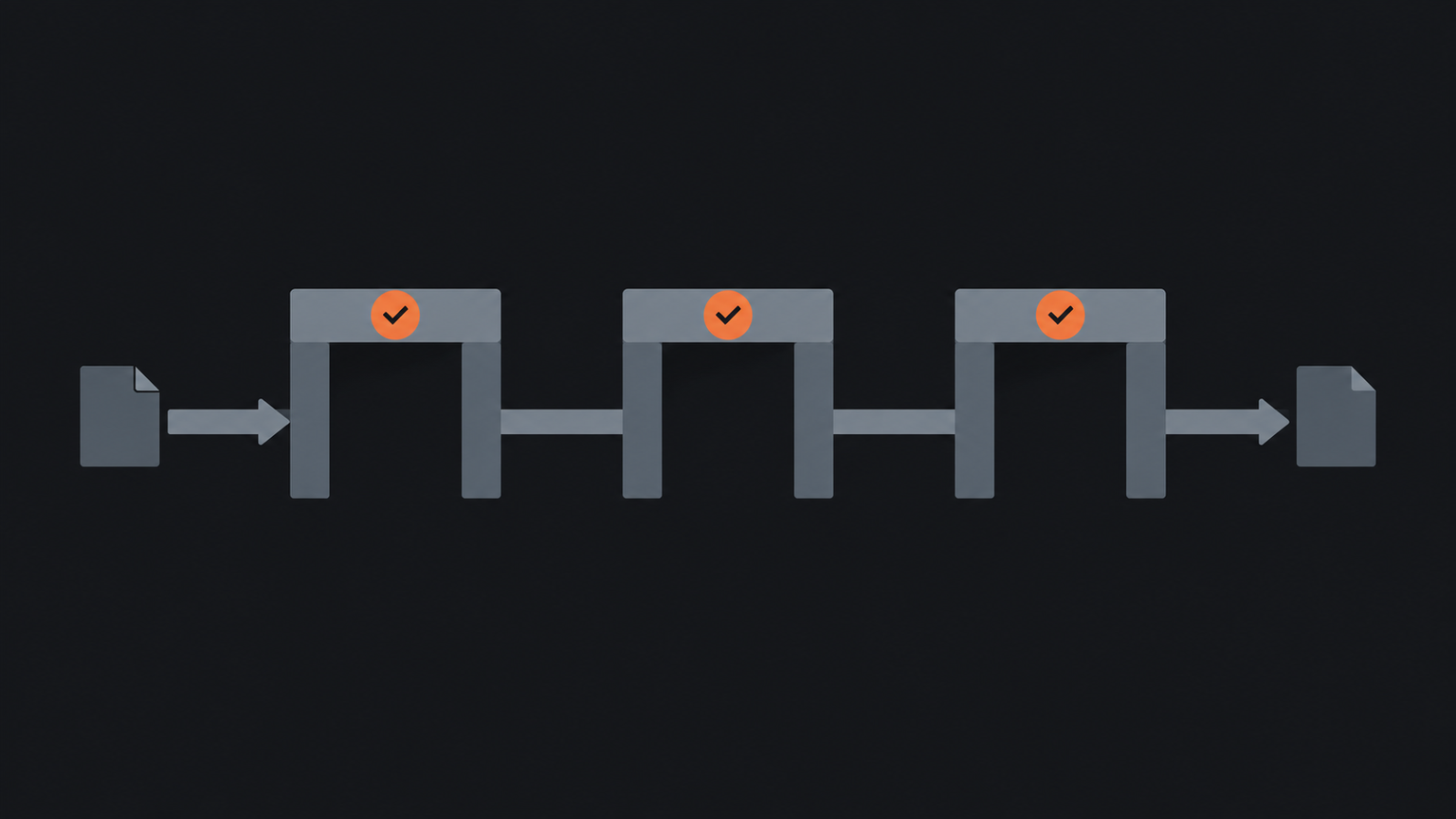
At the first gate, capture the service requested, entity type, contact details, referral source and conflicts result. The second records client acceptance, identity checks, representative authority and agreed terms. The third confirms required documents, access permissions, billing details and the owner of the first service.
Each gate needs an entry rule and a stop rule. A lead should not become a client merely because someone created a contact. A signed engagement should not make a file work-ready when identity or authority remains unresolved.
This design also separates the sales path from the delivery path. Practices can then automate accounting processes without allowing incomplete records to move forward.
Which capabilities matter when selecting a product?
Client onboarding software for accountants should use the smallest product set that can enforce your gates, protect sensitive information and show unresolved work. A single product can reduce hand-offs, while a connected set can provide deeper capability in identity, signatures or document collection. Either option needs clear ownership and reliable data transfer.
Capability comparison
- Intake, identity and documents: selection test: Can forms vary and record method, evidence and reviewer?; constraint to examine: Duplicate entry, unsafe email and unusual cases.
- Terms and approval: selection test: Can the practice issue, revise and retain accepted terms?; constraint to examine: Format, jurisdiction and professional requirements vary.
- Reminders and integrations: selection test: Can events create tasks and update approved records?; constraint to examine: Failed transfers, access rights and audit history.
Ask vendors to demonstrate a difficult case, not a perfect sole trader. Use a company with two representatives, a name mismatch and a missing trust deed. Check what stops, who receives the alert and whether staff can see the reason.
Control point: Do not buy a tool because it sends polished forms. Buy it only if the practice can prove who reviewed each gate, what they reviewed and why an exception moved forward.
How should identity, authority and documents be configured?
Configure identity, authority and document collection as separate controls with separate completion records. The Tax Practitioners Board says practitioners must verify a new client, and any representative where relevant, before providing tax agent or BAS services. It also explains that client-to-agent linking confirms authority in a particular ATO context but does not verify the identity of the person who engaged the practitioner.
Create fields for client type, verification method, date, reviewer and result. Add distinct evidence fields for the entity, the individual representative and that person's authority. Do not make staff retain copies of identity documents by default. The TPB says a contemporaneous record can document the check without retaining copies, while the practice must keep sufficient details of what occurred.
Use a secure portal or another approved channel for sensitive files. The OAIC says reasonable security steps depend on the information, risk and circumstances, and include both technical and organisational measures. Set access by role, define retention rules and test deletion or de-identification where records are no longer required.
AUSTRAC guidance should inform applicable customer due diligence settings for practices that provide designated services. Treat those settings as risk-based controls, not as a substitute for tax practitioner proof of identity or engagement acceptance.
How should engagement terms, reminders and integrations work?
Engagement terms should be issued only after the practice knows the proposed client, service scope and authorised signatory. APES 305 requires members in public practice to document and communicate engagement terms. Electronic acceptance may be valid in many circumstances, but no single signing format should be assumed to satisfy every legal, professional or client requirement.
Configure templates by service and entity type. Lock approved clauses, route non-standard scope or liability changes to a nominated reviewer, and retain the accepted version with its date and parties. Recurring engagements also need a review trigger when scope, ownership, risk or fees change.
Reminders should chase a specific missing item and stop when that item arrives. Use measured intervals and give clients a human contact route. The practice can improve client follow-up without sending repeated requests after a staff member has raised an exception.
Integrations should pass only approved fields at an approved gate. Test duplicate contacts, amended names, failed synchronisation and revoked access. Record the source of each value so staff can correct it in the right place.
Who should own reviews and exceptions?
A named person should own every review, and a named senior person should own every exception route. Software can assign tasks and hold evidence, but accountable staff decide whether a mismatch is resolved, whether scope is acceptable and whether the practice will act.
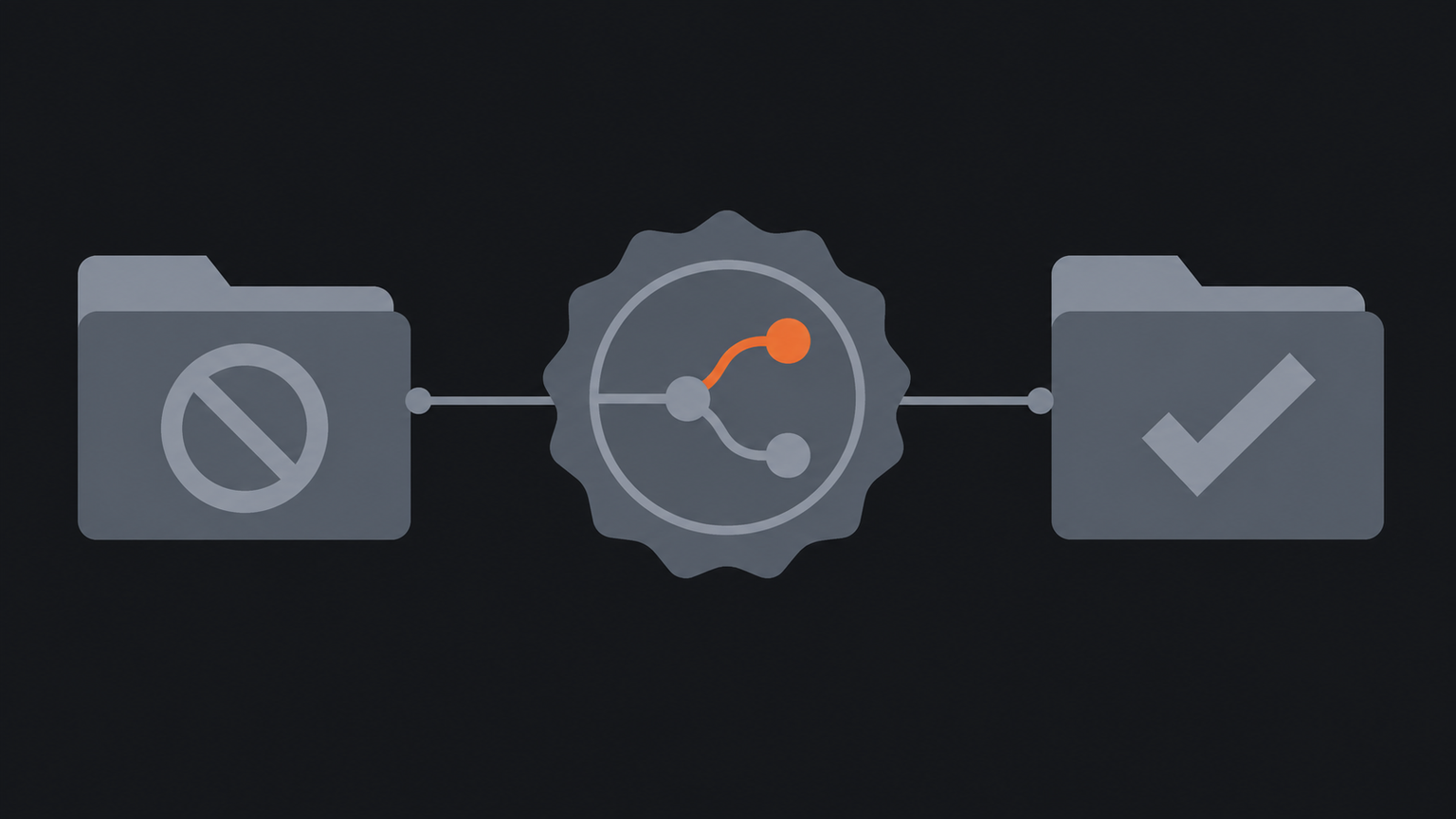
Keep the exception route short: stop, review, resolve. That stop protects the file from advancing. A reviewer records the reason, supporting evidence and decision. The resolution either returns the file to its gate or closes the onboarding.
Common exceptions include inconsistent names, unclear representative authority, unavailable conventional identity documents, high-risk indicators, changed beneficial ownership and requests for work before acceptance. The ATO advises extra care for remote verification and says responsibility for verification remains with the tax practitioner. Escalation settings should reflect the practice's services, registration obligations and risk settings.
Review a sample each month. Check bypasses, overdue cases, reminder failures, duplicated records and access given before approval. This review shows whether the configured controls work in real client files.
How should a practice test its first setup?
Test client onboarding software for accountants on one bounded process from lead capture to the first authorised job before widening the setup. Choose one common client type and one service with a clear owner. Build the three gates, connect only essential records and run normal, incomplete and disputed scenarios.
Set measurable acceptance criteria. Staff should see the next action, owner and due date. Sensitive documents should travel through the approved channel. No file should advance with an unresolved stop. The final client record should show the accepted scope, verification record, authority and first work owner.
Keep the separate bookkeeping client onboarding checklist beside the pilot as the work-level aid. Use its steps to test daily execution, but keep product selection, permission design and exception authority in this guide.
Frequently asked
- What is client onboarding software for accountants?
- It coordinates the controlled path from qualified lead to accepted engagement and work-ready client, including evidence, documents, tasks, reminders and approvals.
- Does electronic acceptance always satisfy engagement requirements?
- No. Electronic acceptance may be valid, but the suitable format depends on legal, professional, service and client requirements.
- Should onboarding software make client acceptance decisions?
- No. It should collect evidence, enforce gates and route exceptions, while accountable people make acceptance and professional decisions.