Operating Intelligence
Accounting Document Management Software: A Buyer’s Guide

Accounting document management software should control a document from intake to retrieval, with clear naming, permissions, completion status and review evidence. When those steps break apart, staff carry the burden. Files arrive through email, portals and shared folders. Staff rename them, chase missing information and reconstruct which version was approved.
Choose accounting document management software by testing that document journey, not by comparing storage allowances. The right category should receive files from clients, identify and name them consistently, extract useful fields, show what is missing, control access, route exceptions, preserve review evidence and make prior knowledge retrievable. This guide gives you a direct selection framework for document management for accounting firms without assuming one category suits every practice.
Accounting document management software is narrower than practice-management software and more document-specific than workflow software. It controls the document record: intake, naming, permissions, missing-information checks, retention, review evidence and retrieval.
Which category of accounting document management software fits your practice?
Choose a workflow-centred category when missing files and hand-offs are the main problem, a records-centred category when control and retention dominate, or an extraction-centred category when high-volume document reading creates the load. Many firms need a blend, but one primary job should decide the shortlist.
Category comparison
- Workflow-centred document system: best fit: Client requests, status, reminders and job hand-offs; main buying risk: Weak long-term record controls or shallow retrieval.
- Records-centred repository: best fit: Permissions, versions, retention and audit history; main buying risk: Staff still coordinate intake and exceptions elsewhere.
- Extraction-centred processing tool: best fit: Repeated classification and field capture from standard forms; main buying risk: Uncertain outputs reach downstream work without review.
Do not score on feature count alone. Name your highest-cost document failure and choose the category built around it. If the current route is unclear, start by mapping the process as it happens, including workarounds and partner decisions.
Author’s tip: Give every shortlisted category the same untidy sample pack. Include a duplicate, a wrong entity, a password-protected file, a missing page and a handwritten note. The exception path tells you more than the clean demonstration.
How should intake, naming and extraction work?
Good intake turns every received document into an identified item with a source, owner, client, entity, period, type and current status. It should accept the channels your clients will actually use while reducing the number of uncontrolled copies.
Test portal upload, forwarded email, mobile capture and bulk import. Ask what happens with a replacement, ambiguous filename or one PDF containing several document types. The system should preserve the original where needed, control versions and link each document to the right client and job.
Naming should not depend on memory. Use an agreed scheme based on client or entity identifier, document type, period and version. The National Archives of Australia explains that metadata such as title, creator, purpose, access history and security status helps information remain findable, understandable and appropriately accessible.[4] It also recommends consistent descriptions and automated capture where possible.[4]
Treat extraction as preparation. Define fields, confidence thresholds, validation rules and the person who handles uncertainty. A low-confidence ABN, date or amount should route for review rather than silently populate later work. Process documentation makes those rules visible.
How do status and missing-information checks reduce chasing?
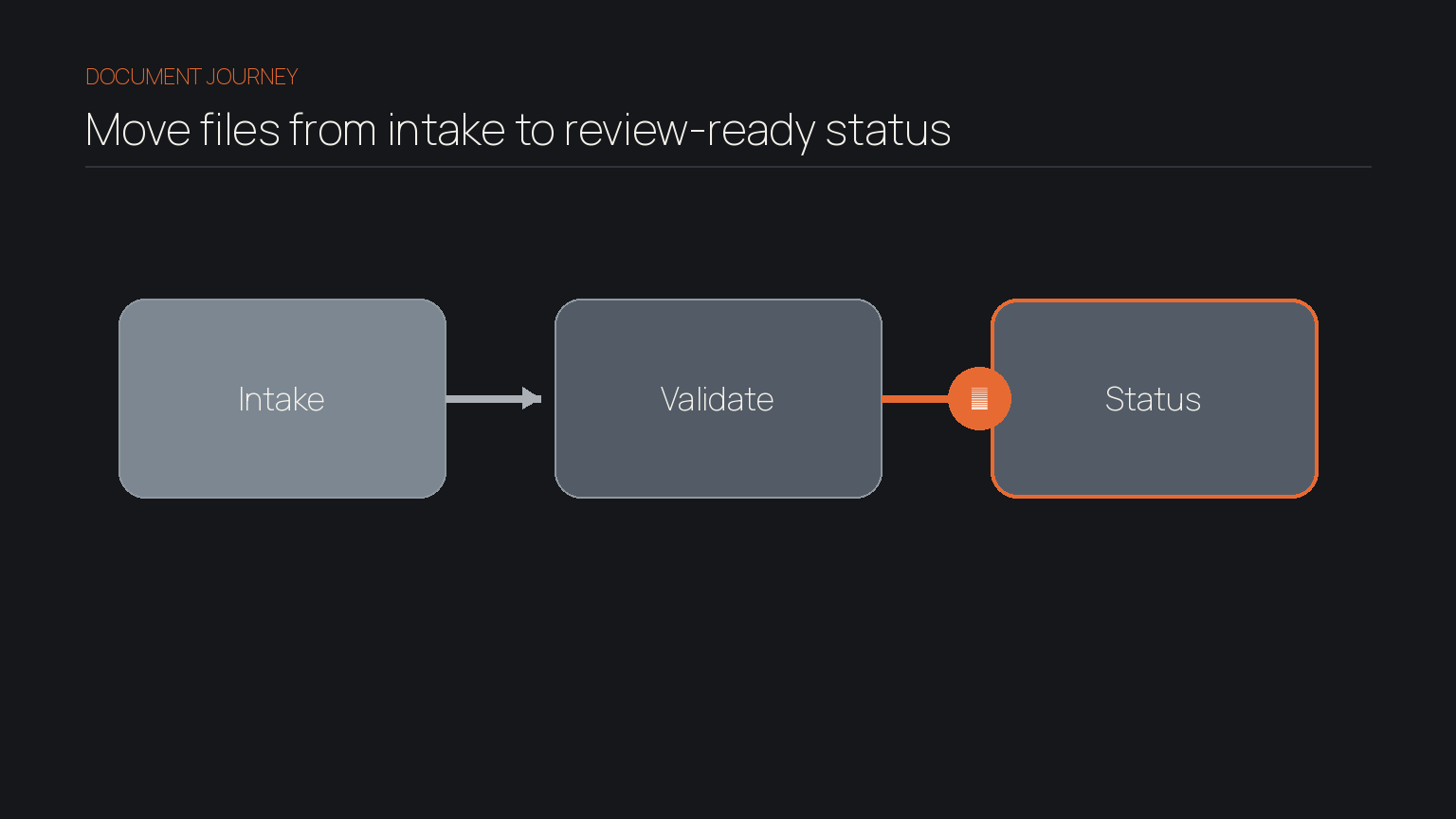
Document status should answer whether the required set is complete, usable and ready for the next professional step. “Uploaded” is an event, not a completion state.
Build the required-document list from service, client type, entity and period. Distinguish requested, received, unreadable, wrong period, duplicate, incomplete, accepted and superseded. Each state needs an owner and next action.
Missing-information checks should compare what arrived with the engagement requirements. They can flag a missing statement month, unsigned authority, absent schedule or mismatch. A person should decide materiality and whether an alternative is acceptable.
This is focused business process automation: remove repeated checking while preserving the decision that changes the work. It supports better client follow-up because each request can name the exact gap.
What permissions and record controls should you require?
Permissions should follow real responsibilities and prevent broad access becoming the default. Test access by client, entity, engagement, document class and role. Include temporary staff, contractors, external reviewers and departed employees in the scenario.
Ask how the system handles multi-entity groups, conflicts, restricted matters, portal access and emergency administration. Check access logs, bulk-download controls and account removal. If your practice is an APP entity, APP 11 requires reasonable steps to protect personal information from misuse, interference, loss and unauthorised access, modification or disclosure.[3]
The Australian Cyber Security Centre recommends multi-factor authentication for important accounts, including document storage, and regular backups.[5] Ask who owns each backup, where it is stored, how long it is retained and when restore tests last ran. Also ask about authentication, export and account recovery. Do not turn a certification badge into an unsupported claim.
Retention needs rules. The ATO says business records can be paper or electronic and are generally kept for five years, with longer periods in some circumstances.[2] The TPB requires tax agent or BAS service records to be retained for at least five years after service and remain retrievable.[1] Configure retention by record type and obligation.
How should exception routing and review evidence work?
Every uncertain, incomplete or conflicting document needs an explicit route to the person authorised to decide. A generic error queue is not enough.
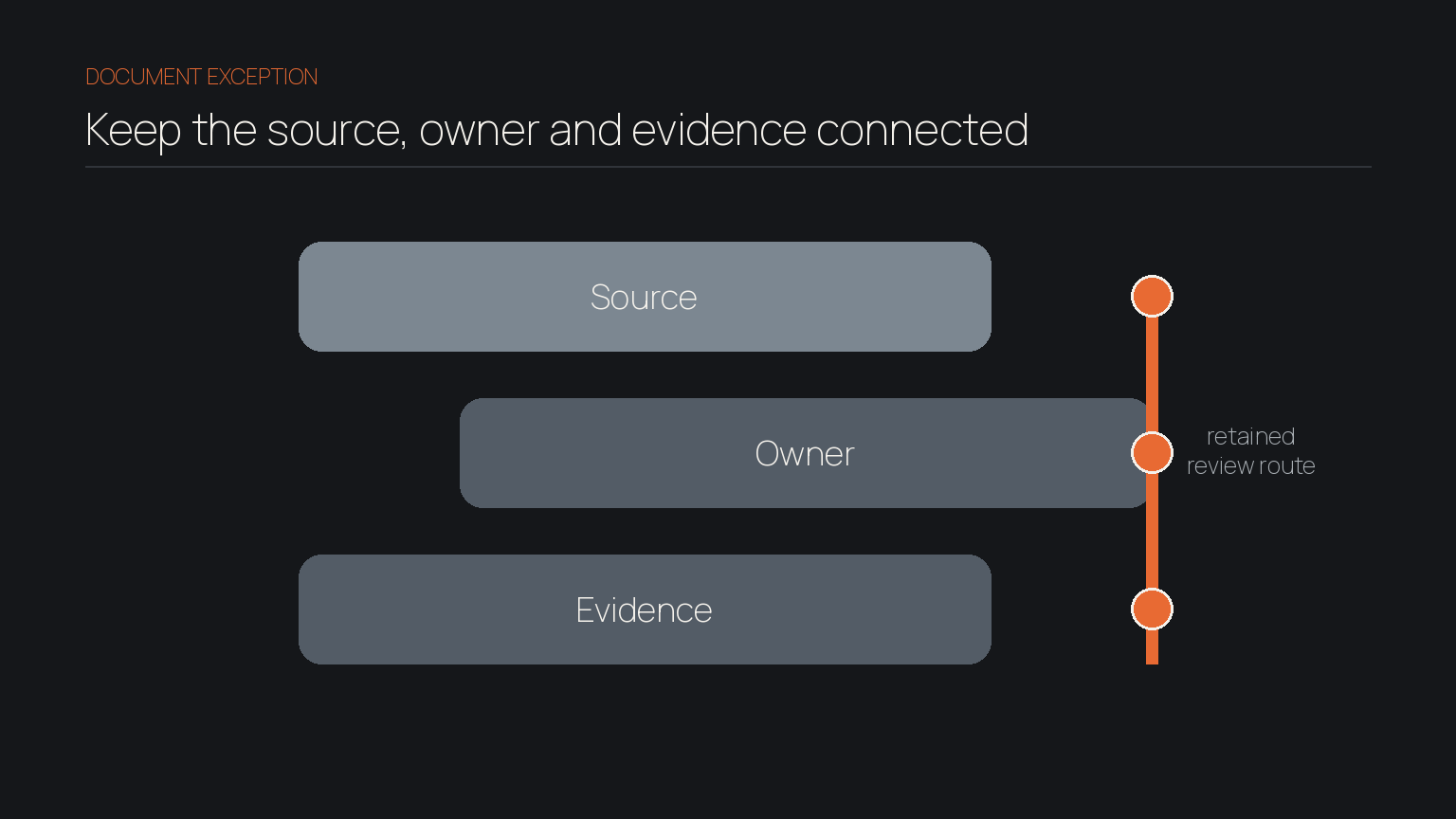
For each exception, retain:
- What failed or remained uncertain.
- Which source document and rule were involved.
- Who owned the next decision and its due date.
- What the reviewer decided, changed or requested.
- Which final version and evidence supported completion.
The TPB says proper client records should show the nature, scope and outcome of the service, refer to information considered, and include advice received and provided.[1] Complex matters should also retain relevant facts, assumptions and reasoning.[1] Review evidence is the trace that lets another qualified person understand what happened.
AI-assisted classification can prepare this trace, but it should not approve uncertain output. Keep source visibility and human review central, as we explain in how AI should protect accountant judgement. For each workflow integration, define what writes back and where a failed sync appears.
How should knowledge retrieval work beyond search?
Knowledge retrieval should return the document together with the client, work, decision and version that give it meaning. Filename and full-text search are useful, but they do not answer every practice question.
Test realistic requests: Why was this treatment accepted? Which source supported the adjustment? What did the client clarify? Which version was approved? The result should expose relevant history and permissions without a search across every mailbox and folder.
Useful retrieval depends on consistent metadata, related records, version history and captured decisions. It addresses a common knowledge management risk when employees leave: the document survives, but its reason does not.
Ask whether documents, metadata, versions, permissions, comments and audit history can leave in usable form. A system that traps context creates another burden.
What is the next step?
The next step is to define the document failures, decisions and evidence your practice needs before selecting software. Catalyst Systems does not sell document-management software. We help teams examine how information moves through work and where AI may safely reduce repeated preparation.
Frequently asked
- Is cloud storage enough for a small firm?
- It can be enough for simple storage and sharing. Practices that also need controlled intake, completeness checks, work status, exception routing and review evidence must provide those capabilities elsewhere.
- Should AI extraction be mandatory?
- Only when it solves a defined volume or accuracy problem. Require confidence handling, source visibility, field validation and human review for material or uncertain outputs. AI should prepare professional work, not replace professional judgement.
- What should we pilot?
- Pilot accounting document management software on one recurring service with mixed documents and real exceptions. Measure missing-item follow-up, misfiling, review time, duplicate handling and retrieval success.