AI Consulting
AI for Tradies: What to Automate First in Australia
A missed call while you are under a house can become a lost job. An unsigned quote can sit in an inbox for a week. Notes from site can disappear between a ute, a phone and the office. These are good starting points for AI for tradies because they are repetitive admin problems with a clear owner and a result you can check.
The aim is to remove avoidable chasing and retyping. The licensed work, safety calls, pricing approvals and promises to customers remain with people. That boundary matters more than the product you buy.
Start with the admin around the job
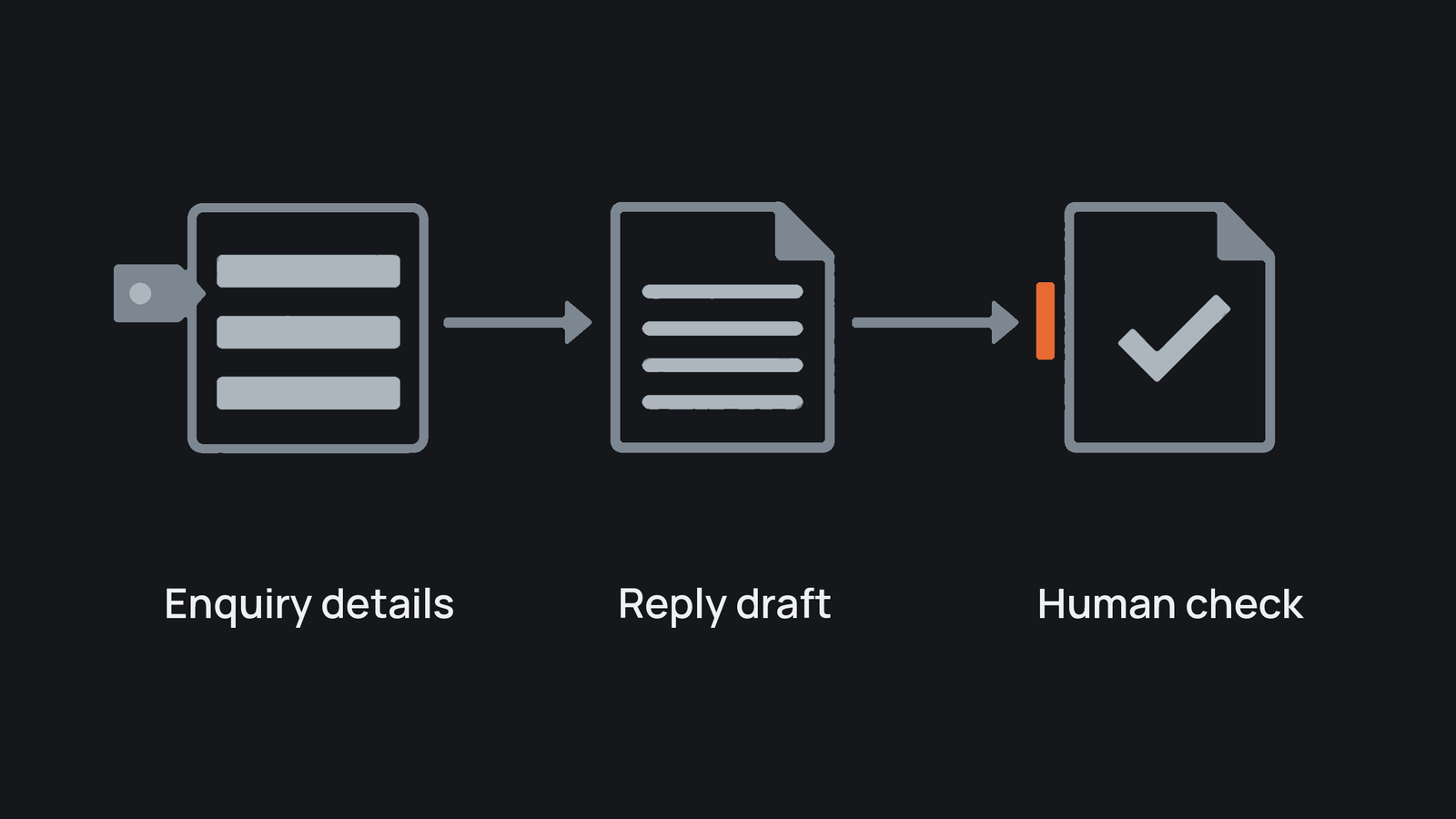
The best first use of AI for tradies sits beside the work rather than inside the skilled task. It can sort an enquiry, draft a reply from approved information, turn dictated notes into a job summary or flag an overdue invoice. A person checks anything that changes price, scope, safety or a customer's rights.
Australian small and medium businesses are already testing this approach. The National AI Centre reported that 43% of SMEs used some level of AI from December 2025 to February 2026, while trust and the desire for human control remained major barriers among non-users. Its AI adoption insights also found that checking outputs before they affect customers was the most common safeguard among current users.
Before choosing a tool, map the process as it happens. Follow one recent enquiry or job and write down every wait, handoff, repeated entry and decision. Then use process documentation to record the version the team can actually follow.
What should a trade business automate first?
Rank the work by frequency, cost of delay, ease of checking and consequence when it goes wrong. This usually puts customer and office admin ahead of technical judgement.
Workflow comparison
- Missed enquiries: good first move: Capture caller details and draft a prompt reply; human checkpoint: Confirm urgency, service area and fit; priority: Start here.
- Quote follow-up: good first move: Schedule a polite reminder against an issued quote; human checkpoint: Approve changes to price or scope; priority: Start here.
- Job notes and updates: good first move: Turn voice notes into a structured summary and customer update; human checkpoint: Check facts, commitments and safety details; priority: Start here.
- Scheduling and compliance: good first move: Flag clashes, missing forms and due dates; human checkpoint: Dispatcher or licence holder decides; priority: Prepare first.
- Invoice follow-up: good first move: Send approved reminders at set stages; human checkpoint: Person handles disputes and hardship; priority: Start here.
1. Missed enquiries
Set up one intake path for calls, web forms and emails. AI can extract the customer's name, suburb, trade required, preferred timing and stated urgency, then draft a response. Do not let it diagnose a fault, promise attendance or classify an emergency without review.
2. Quote follow-up
A simple sequence can remind a customer two or five business days after a quote, stop when they reply and create a task when they ask a question. Keep the quote source fixed and require approval for discounts, exclusions or scope changes. This is a contained example of AI workflow automation, not a reason to hand over sales judgement.
3. Job notes and customer updates
Give technicians a short voice-note template: work completed, issue found, materials used, next action and customer commitment. AI can format the note and draft an update. The technician checks it before it reaches the customer or job file. If your records are scattered, first systemise the small business so staff know where the approved record belongs.
Practical callout: Run a ten-job trial. Record how many minutes the task took before and after, how many drafts needed correction, whether any customer detail was wrong and how often a person had to rescue the process. Pause the trial if errors are hard to spot or the supervision takes longer than the saved work.
Automate reminders, not responsibility
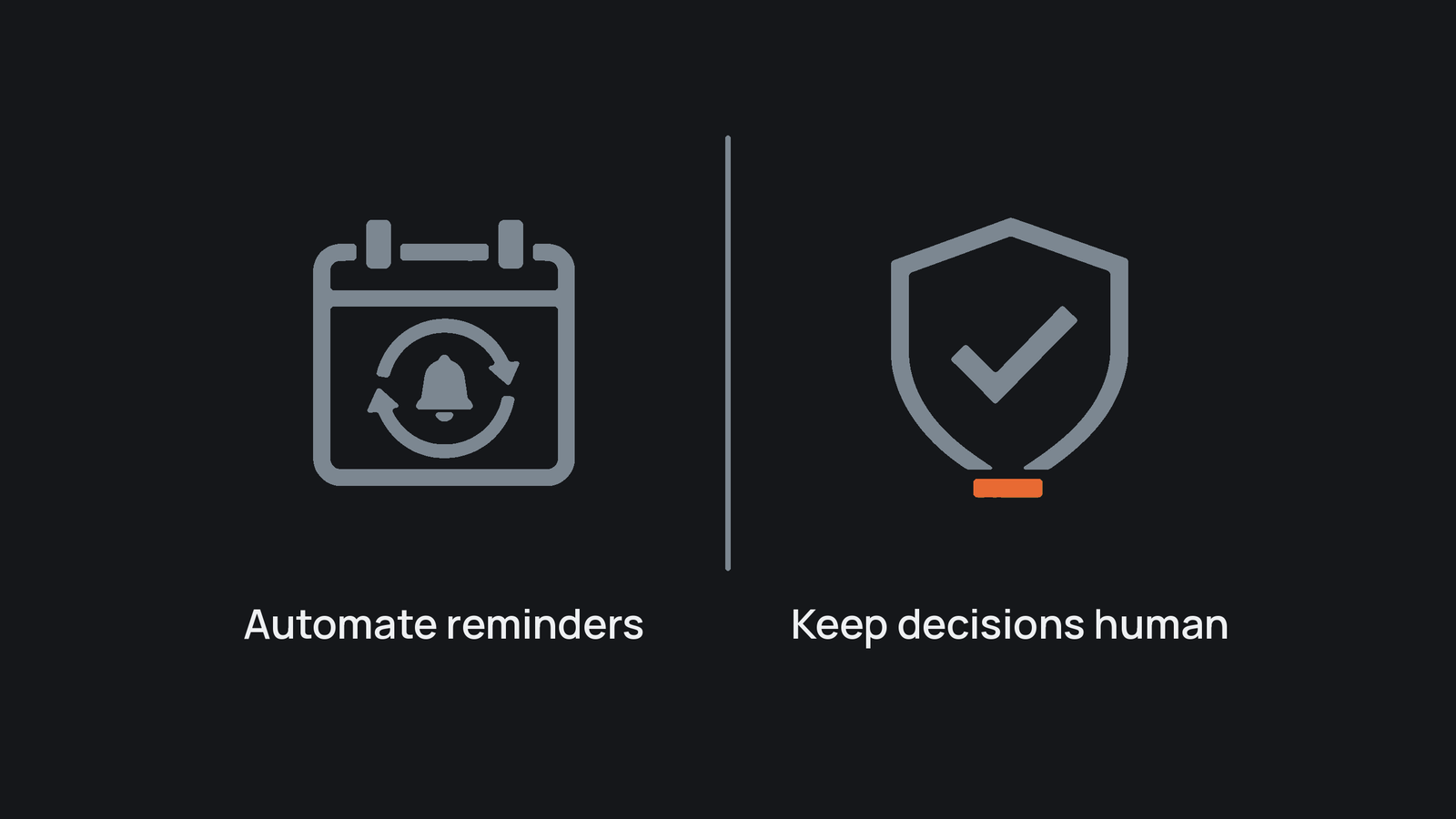
Scheduling tools can propose a route or flag a clash. They should not decide which urgent customer waits, assign a worker outside their licence or override fatigue and safety concerns. Compliance automation should remind, collect and escalate. The accountable person still confirms that a requirement was met.
This is particularly important in construction. Safe Work Australia's model code for construction work requires high-risk construction work to follow a safe work method statement and requires those statements to remain accessible. A reminder can flag a missing document. It cannot judge whether the work is safe to begin.
Invoice reminders are safer when payment terms are already clear. Business.gov.au guidance recommends stating when payment is due and how overdue debts will be collected, then beginning with a polite reminder. Automate that agreed sequence, while sending disputes and special circumstances to a person.
Put privacy and review into the first trial
Job records may contain names, addresses, access instructions, photos and payment details. The Australian Cyber Security Centre warns that uploading customer or staff information to cloud AI tools can create data-leak and privacy risks. Its small-business AI guidance recommends checking provider terms, defining what staff may upload, removing identifying details where possible and verifying outputs.
The OAIC's guidance for commercial AI products says businesses covered by privacy law should assess intended use, access to personal information, security risk and human oversight. Even where the Privacy Act does not cover a small operator, those checks are sensible customer care.
Write down five controls before the trial starts:
- which fields the tool may read
- which details staff must remove
- who checks the output
- what event stops or escalates the automation
- where corrections and approvals are recorded
Use business process automation for fixed rules and AI only where language or messy notes need interpretation. If you are still choosing a product, compare categories in AI tools for Australian small business after the workflow and controls are clear.
A sensible first month
Choose one workflow with enough volume to test but limited downside. Capture the current time and error rate, run ten to twenty cases with review, then compare the result. Expand only if staff trust the output, customers receive accurate information and the process creates less work overall.
Read the guide to AI readiness if you need to assess the workflow, information, ownership and controls in more detail.
AI for tradies should begin with missed enquiries, follow-up and record keeping because those tasks are frequent, bounded and easy to review. Keep skilled work and consequential decisions with the people qualified to make them.
Before automating this workflow, check whether the process, information, ownership and review controls are ready. The assessment helps identify the first constraint to fix.
Take the AI readiness assessmentFrequently asked
- What should a trade business automate first?
- Start with a frequent admin task that has clear inputs and an output a person can check, such as enquiry capture, quote follow-up or turning site notes into a job summary.
- Can AI make safety or licensing decisions for a tradie?
- No. AI can remind, collect and escalate, but safety, licensing, scope and other consequential decisions should remain with the qualified person responsible for the work.
- What information should tradies avoid putting into an AI tool?
- Do not use customer, staff, access, payment or job information until the tool, permissions, provider terms and review controls have been approved for that use.
- How should a tradie test a first AI workflow?
- Run a small set of real cases with human review. Compare time saved, corrections, wrong details, exceptions and staff confidence before expanding it.